
Our Web-Based 6-Max Cash Game Simulator Built for Micro Stakes Players
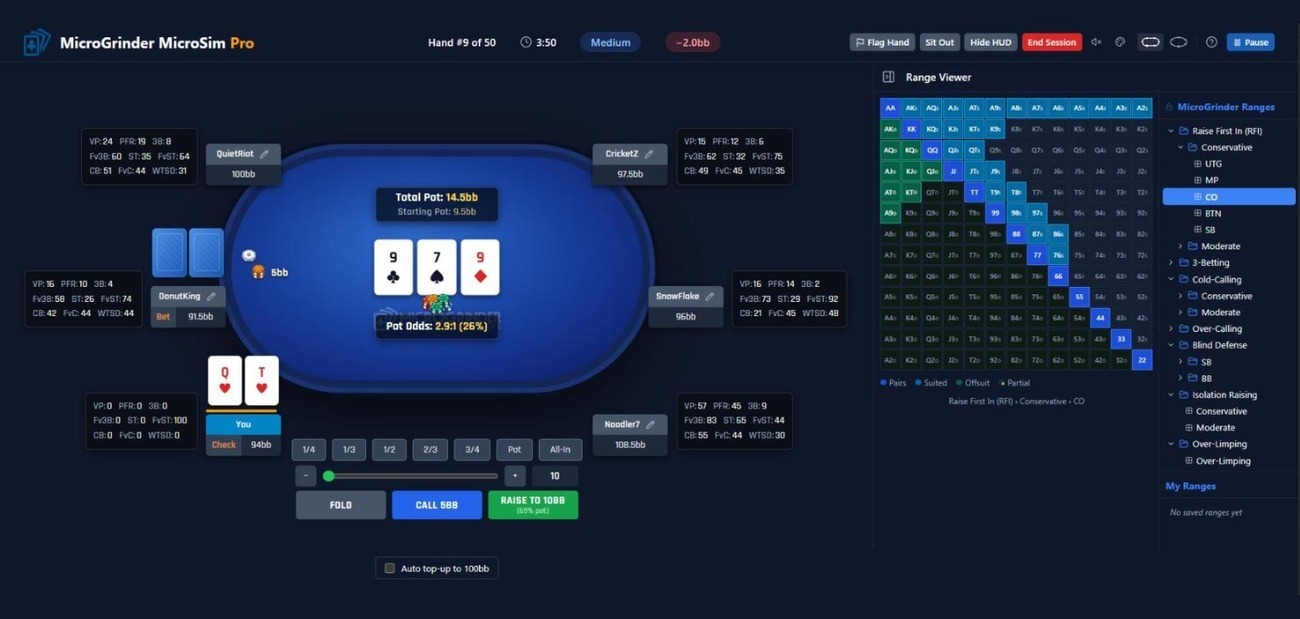
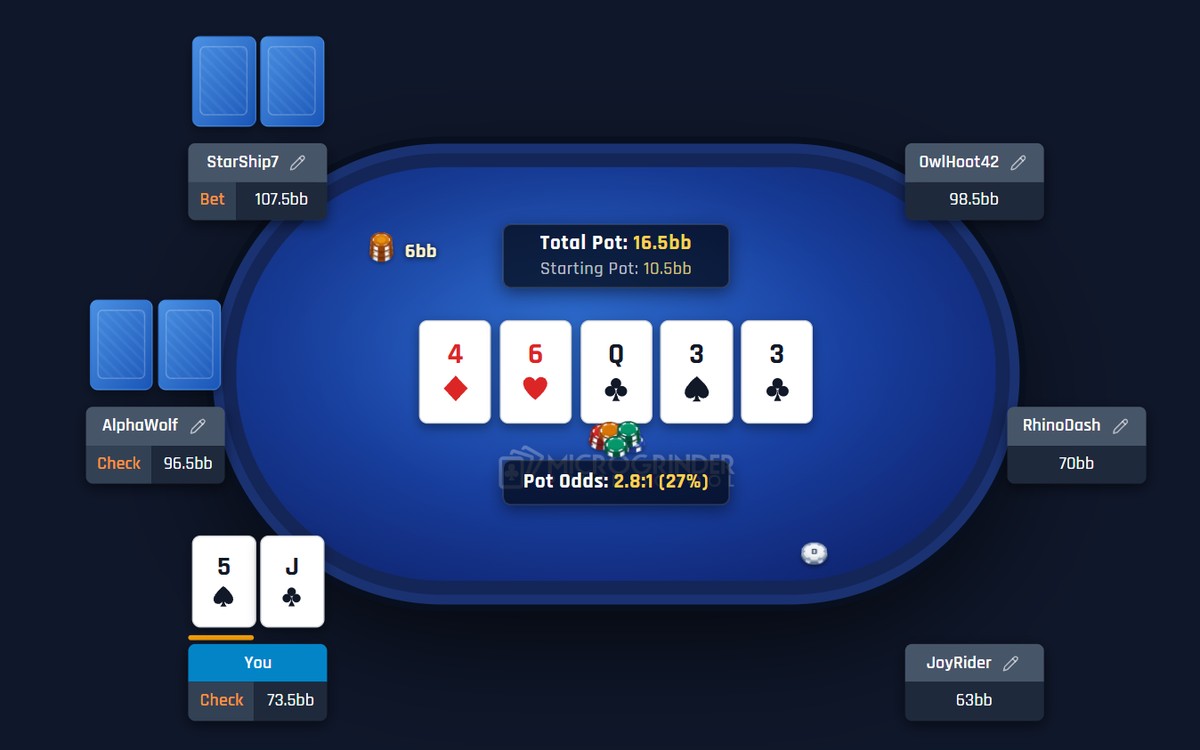
Sit down at a No-Limit Hold’em 6-max cash game table with six seats and standard positions, and make real decisions against 190+ bots built to play like the opponents you will face at micro stakes. There is no real money at risk. MicroSim Lite includes 120 bots.
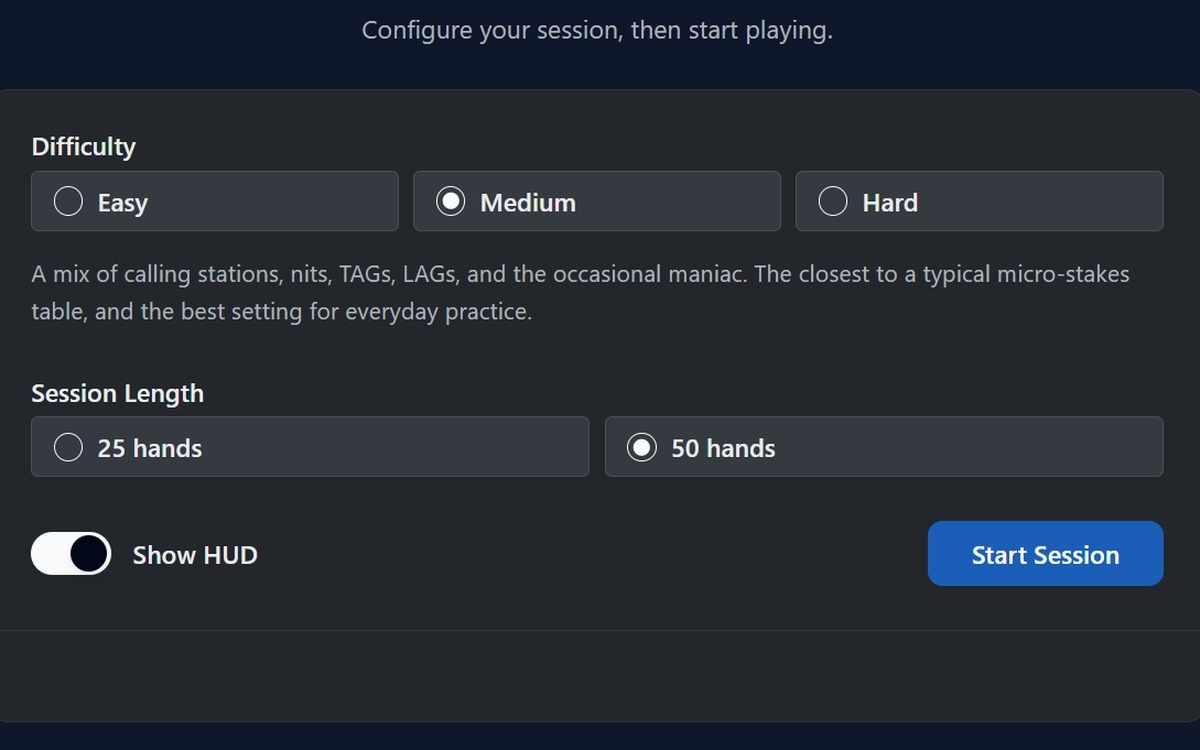
Choose Easy, Medium, or Hard difficulty and a 25-hand or 50-hand session. MicroSim Lite includes Easy difficulty and the 25-hand session. MicroSim Pro adds Medium, Hard, and 50-hand sessions.
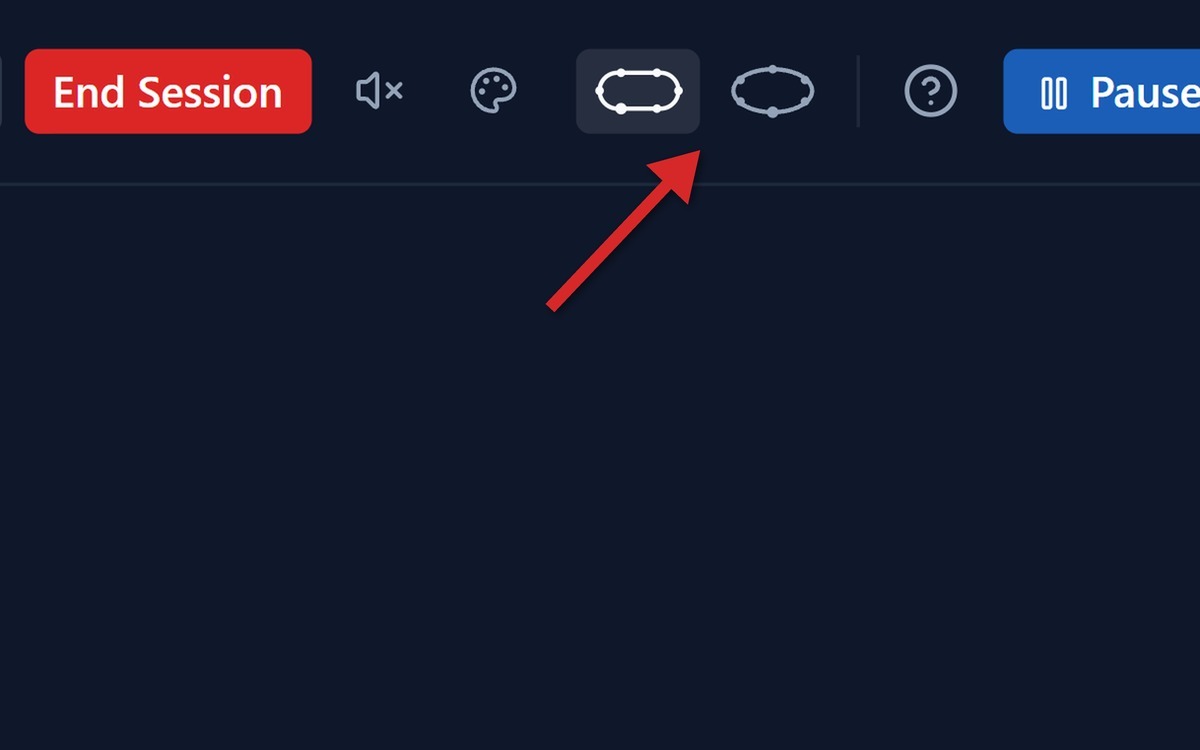
Play on the table layout you like best. Switch between our Classic and Oval layouts with one click in the header, so every session feels comfortable.
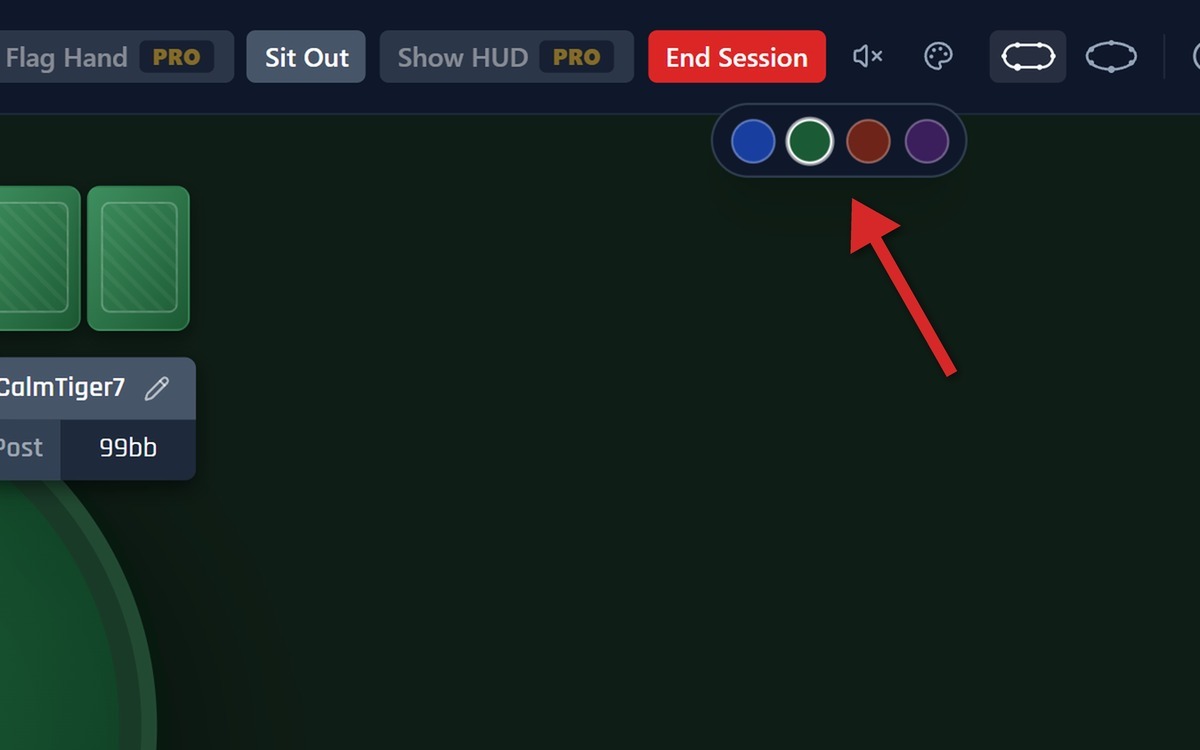
Choose the table and background color that resonates with you. Pick Classic Blue, Emerald Casino, Mahogany, or Midnight Violet, and practice in a setting you enjoy.
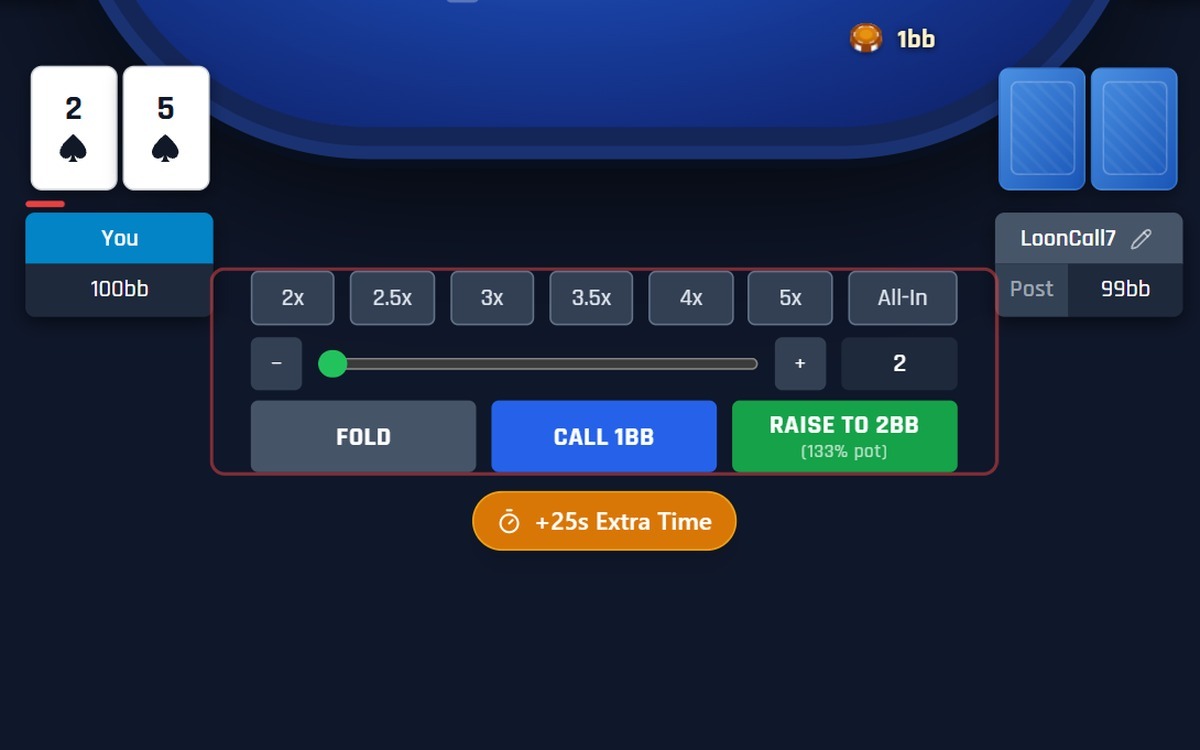
Our action bar is built to look and feel like the real online poker sites you play on. Size any bet or raise with the preset buttons, the slider, or an exact amount, and make your decision against a countdown timer, with an Extra Time button when you need it. It is a realistic way to practice, so the habits you build here carry over to the real tables.

We understand that not everyone can calculate pot odds while playing. Because MicroSim is a training tool, the table shows your pot odds as a ratio and a percentage whenever a bet is offering you a price, so you can see the numbers and learn to use them.
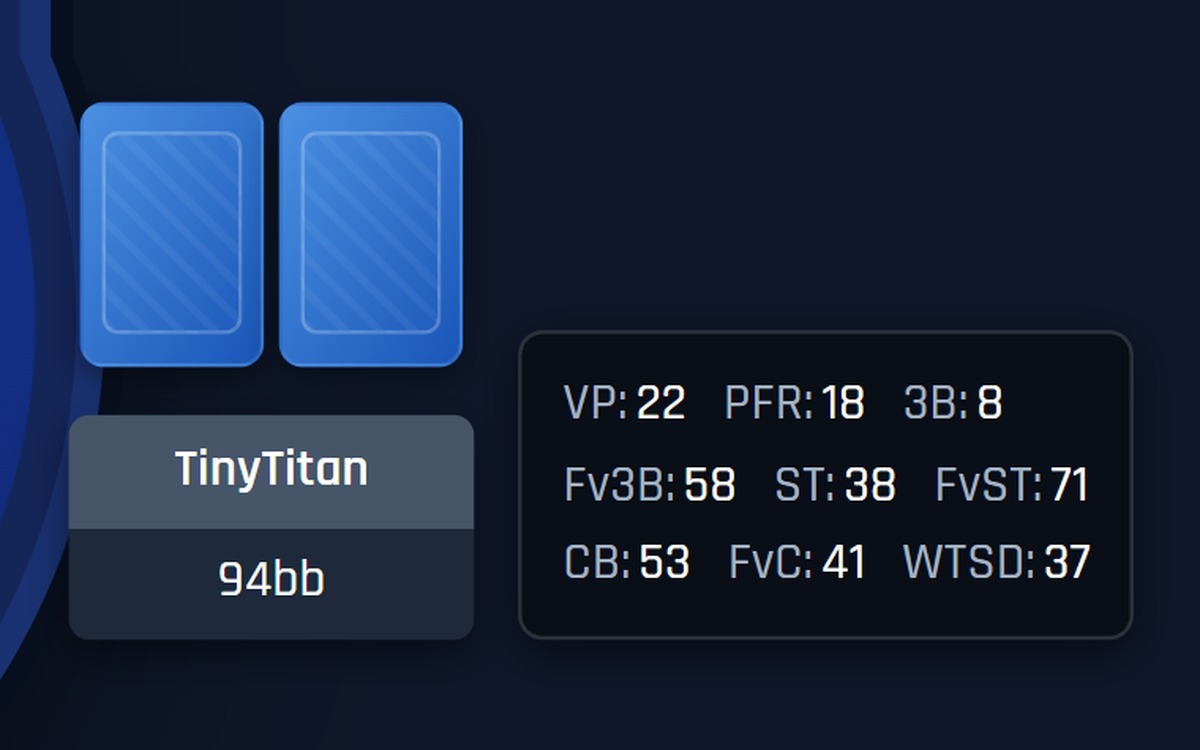
Get the added benefit of live HUD stats on every opponent. Our fundamental and essential HUD stats update after each hand, so you can analyze how your opponents play and make better decisions based on what you see. Your own stats are tracked too, and you can turn the HUD off when you want a tougher challenge.

Just like on the real poker sites, you can color tag your opponents by playing style. Choose from six colors to get a quick read on who you are up against with a single glance at the table.
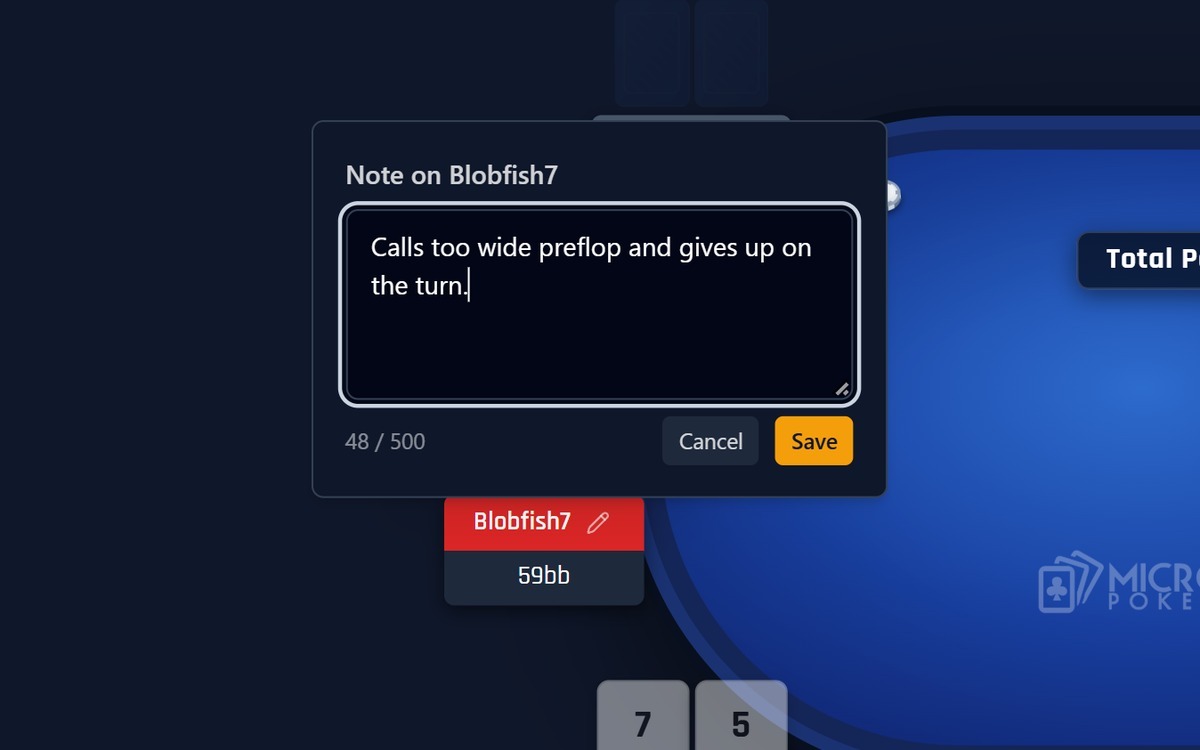
Write notes on your opponents as you play. Taking notes is a great way to build your hand-reading habits, and it helps you spot the out-of-the-ordinary things your opponents do, so you can play better against them.
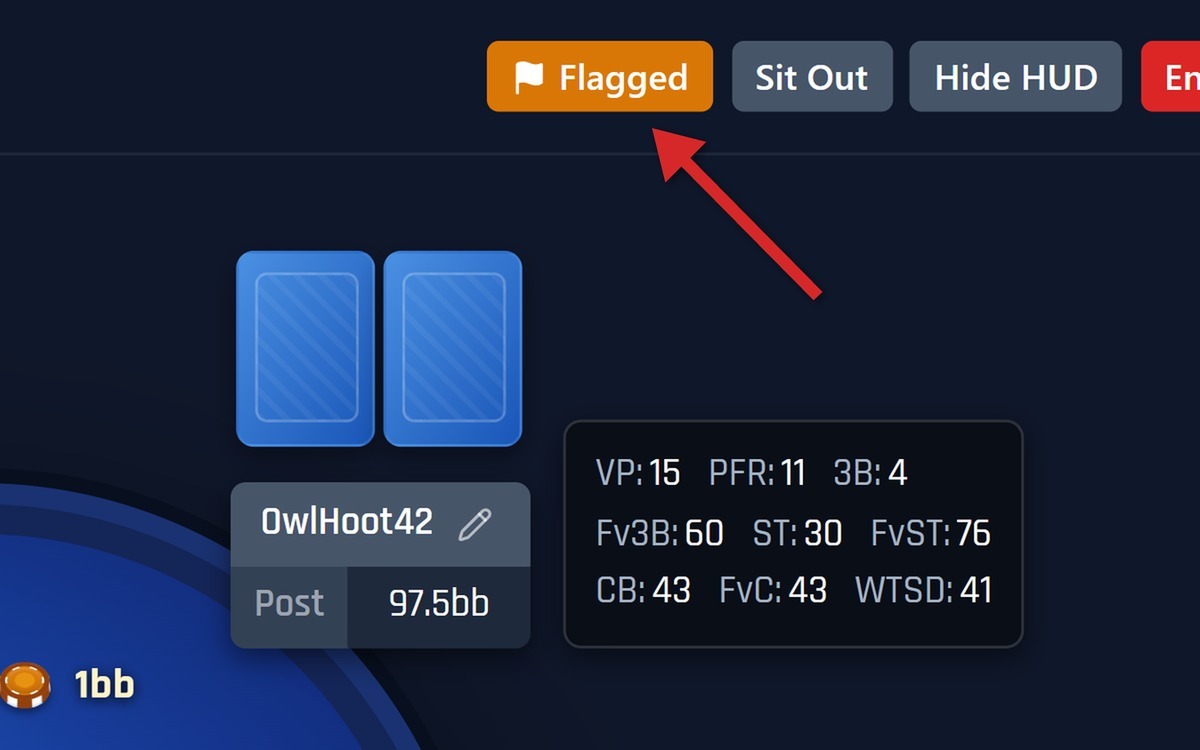
Not sure about a spot? Flag the hand while you play, then choose at the end of the session which flagged hands to save. Come back to them later and use our Hand Replayer to review your own hand histories and analyze the situations you were unsure about.
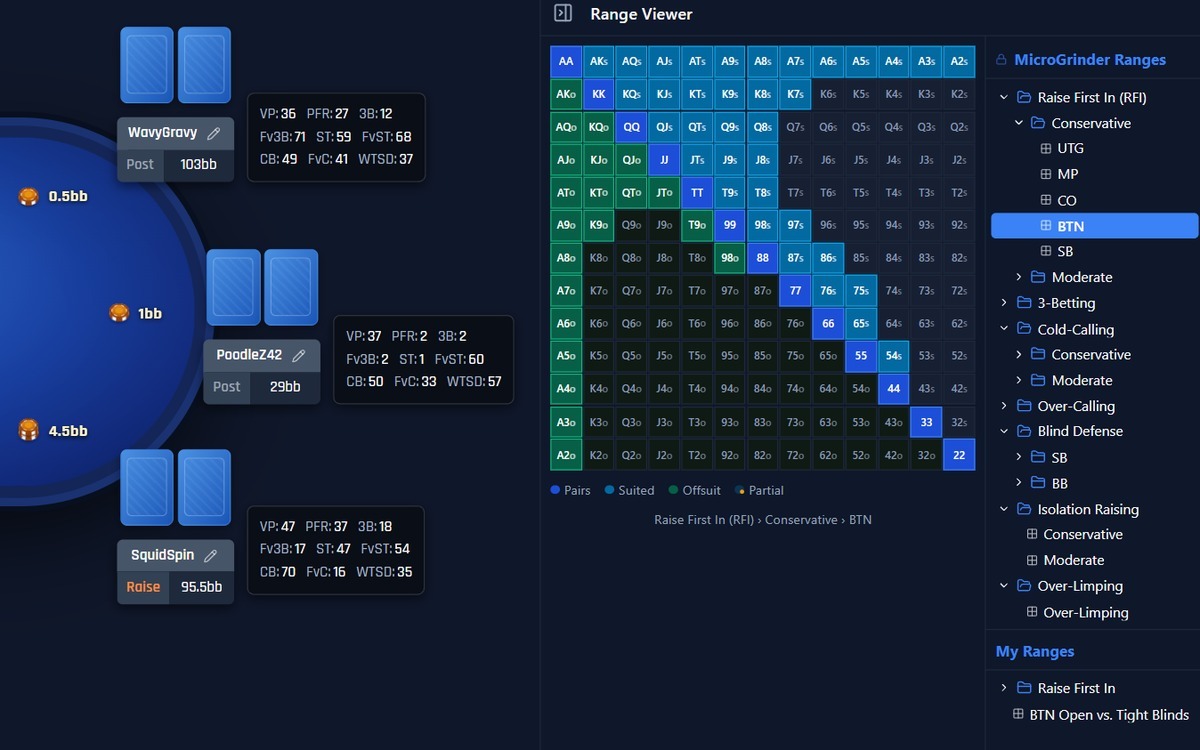
Open our side panel at the table to reference the MicroGrinder Poker School preflop ranges while you play, so you can sharpen your preflop game as you learn your ranges. You can save your own ranges and use them the same way.

Watch your game improve over the lifetime of using the app. Your HUD stats are tracked across all of your saved sessions, and a results graph shows how you are doing overall, with your showdown winnings, your non-showdown winnings, and your total winnings.

Click into any saved session to see how you did, including your result, your HUD stats for that session, and every hand you flagged. Open a flagged hand from the list to review it in the Hand Replayer.
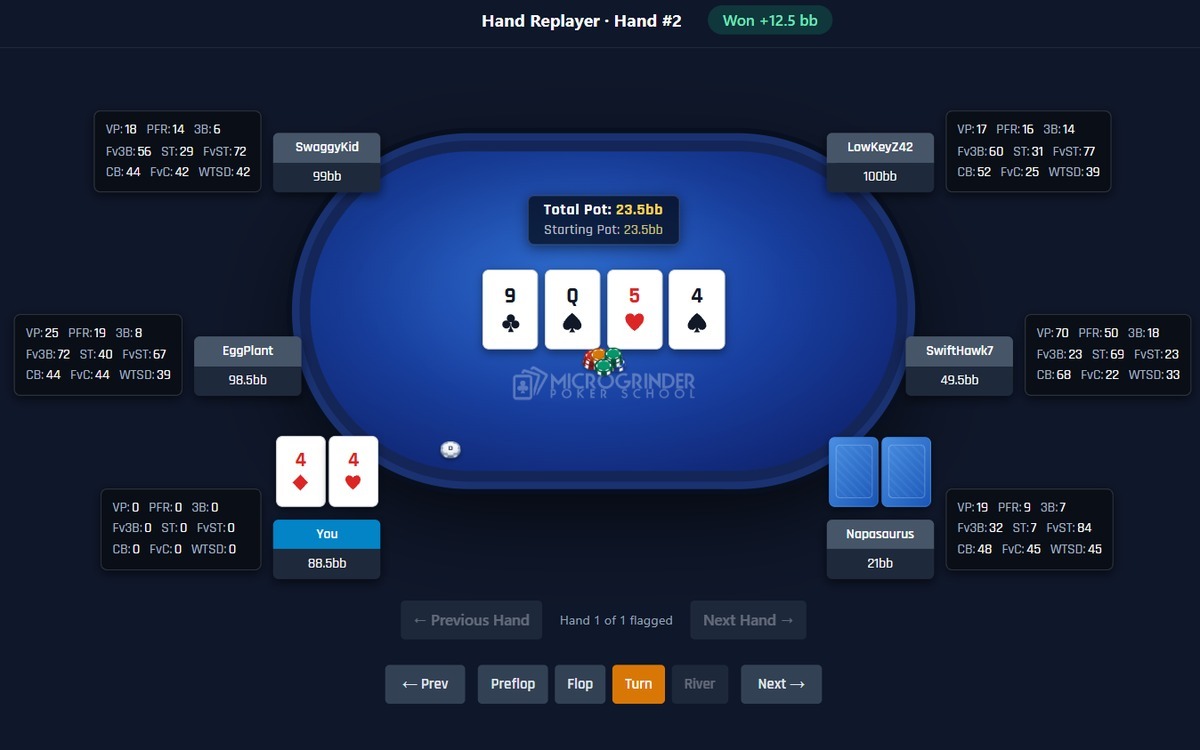
Step through the hands you saved from your sessions one action at a time and review each spot in depth. It is a powerful way to analyze the difficult situations you were not sure about, with opponent HUDs on their seats and a Hand Notes pane for your own notes.